| Audience | Platform admins |
Settings control workspace-level configuration for Agents, including your business name, default parent model, reviewers, and inference providers.
Overview
Agents settings are accessible from Agents, then Settings in the left navigation. These settings apply to all agents across your workspace, including chats, reports, and custom agents.
Only users with the Can this role configure Agents? permission can modify settings. See Agents overview for more on permissions.
General
The Settings page includes four sections:
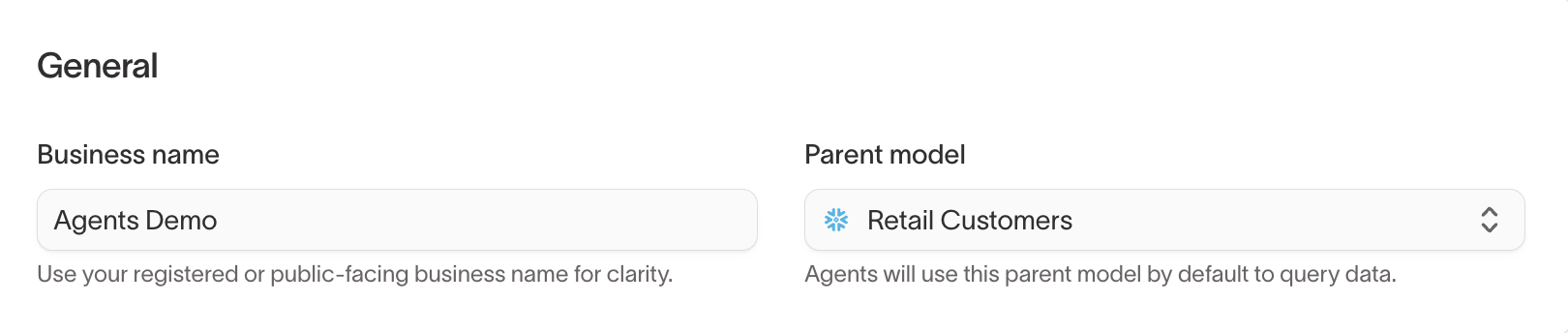
- General — configure the business name and select the default parent model the agent uses to query data. You can also select a parent model per chat from the chat input.
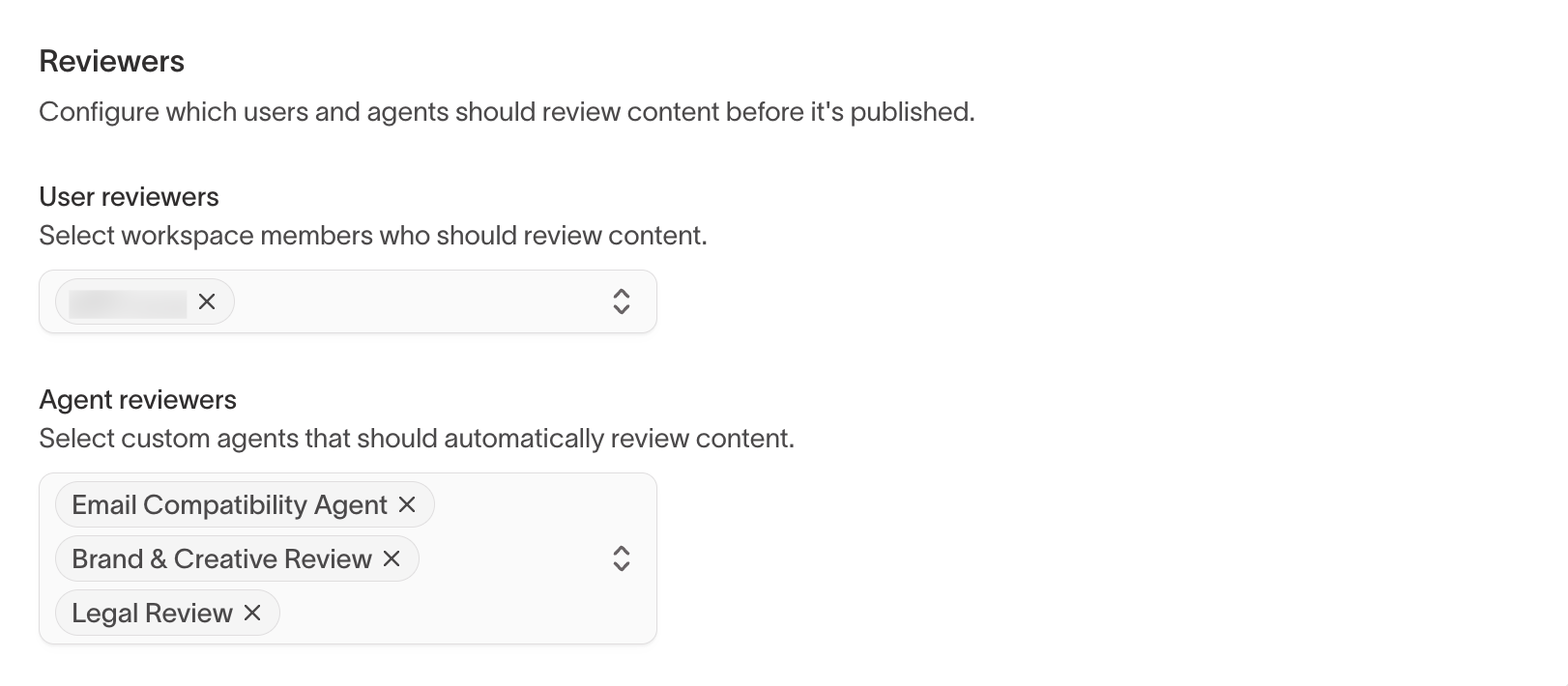
- Reviewers — assign user reviewers (workspace members) and agent reviewers (custom agents) who review agent-generated creative content before it's published
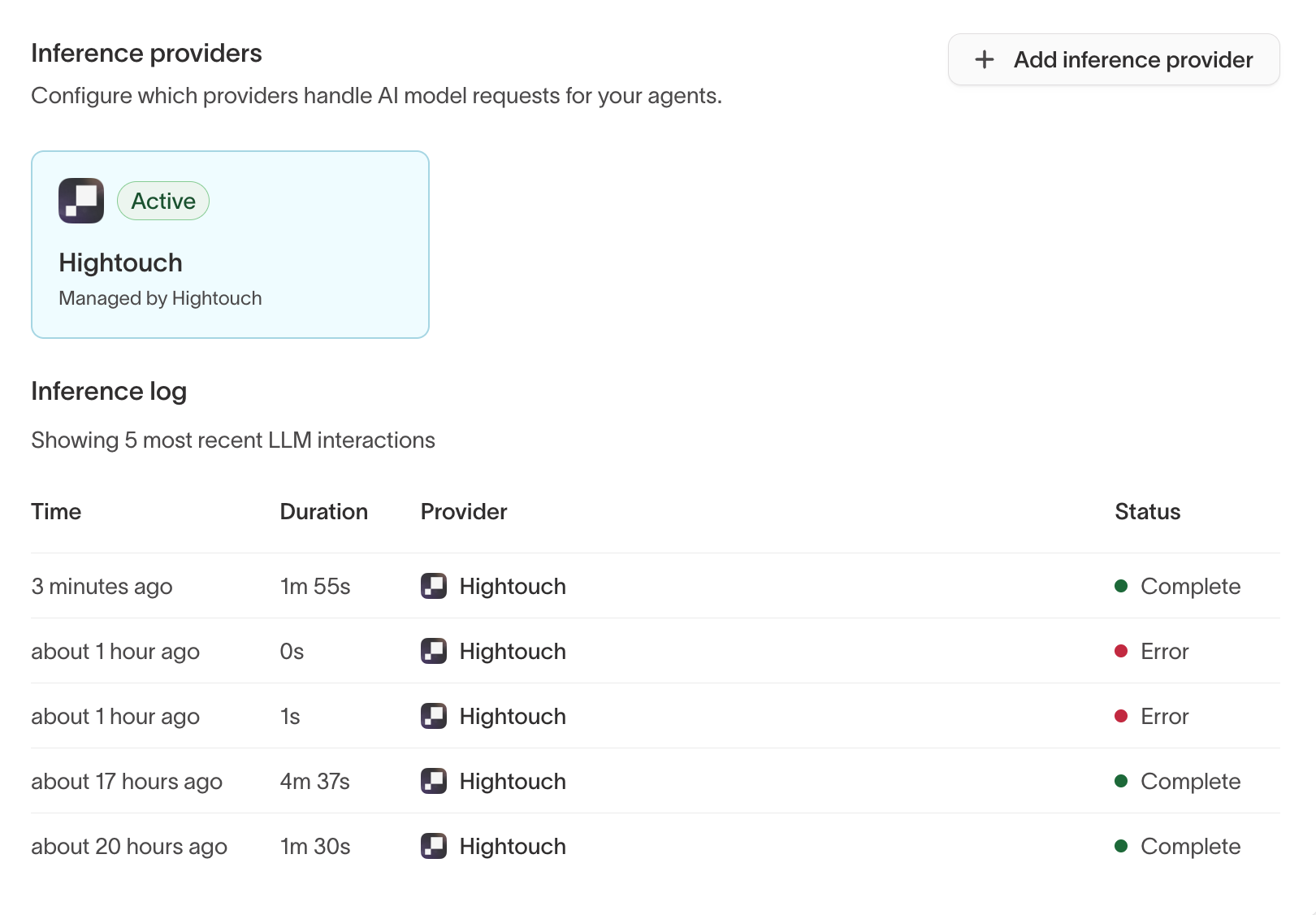
- Inference providers — select the AI model provider used by Agents. By default, agents use the Hightouch-managed provider. You can also connect your own provider (Google Vertex, Snowflake Cortex, or Databricks) so data stays within your infrastructure. Click Add inference provider to connect an additional provider. This is an advanced setting that most organizations won't need to change.
- Inference log — view the five most recent LLM interactions, including timestamp, duration, provider, and status. Use this to monitor agent activity and troubleshoot errors.