
Enable your sales team to notify users based on events in your warehouse with Vero Cloud.
Setup
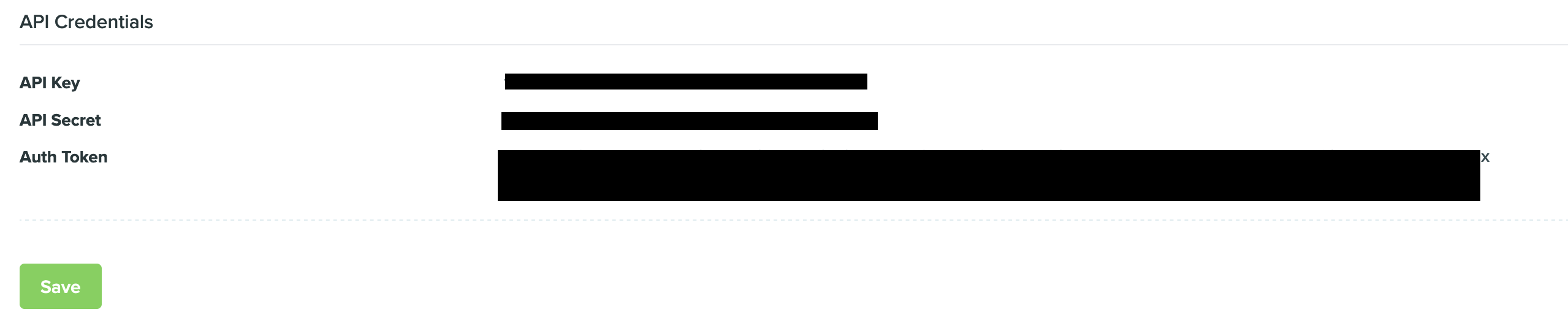
Grab your Vero Auth Token under Settings > Project Settings > API Credentials.
Syncing
Hightouch supports syncing to the following Vero objects:
- Users
- Events
Sync modes
Hightouch supports Update and Insert sync modes.
During Upsert mode, new objects will be inserted into Vero and all attributes will be kept up-to-date within Vero.
During Insert mode, existing objects will be ignored but new objects will be inserted into Vero.
Upserting users
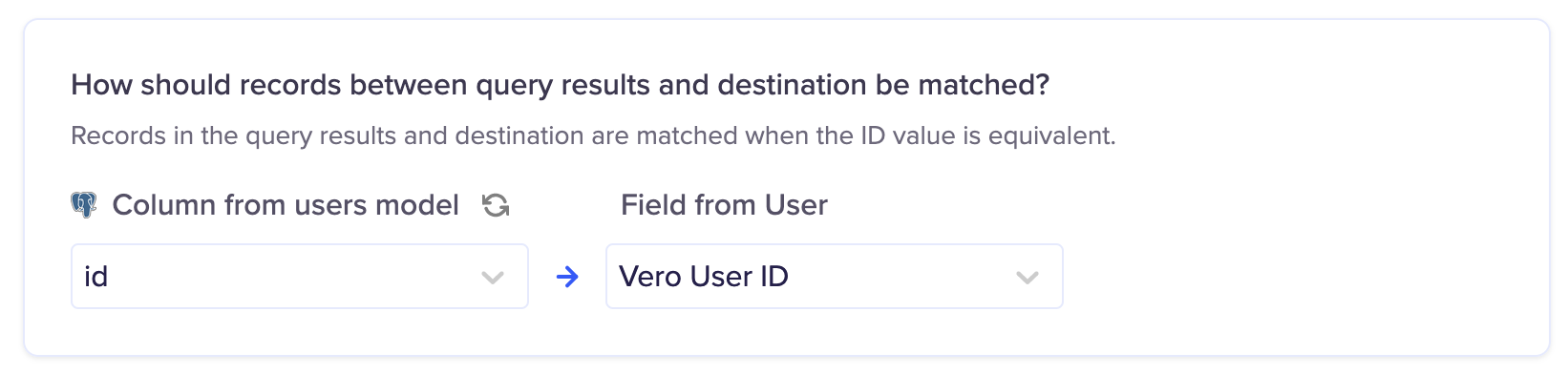
it's required to send a User ID to Vero to identify the user.
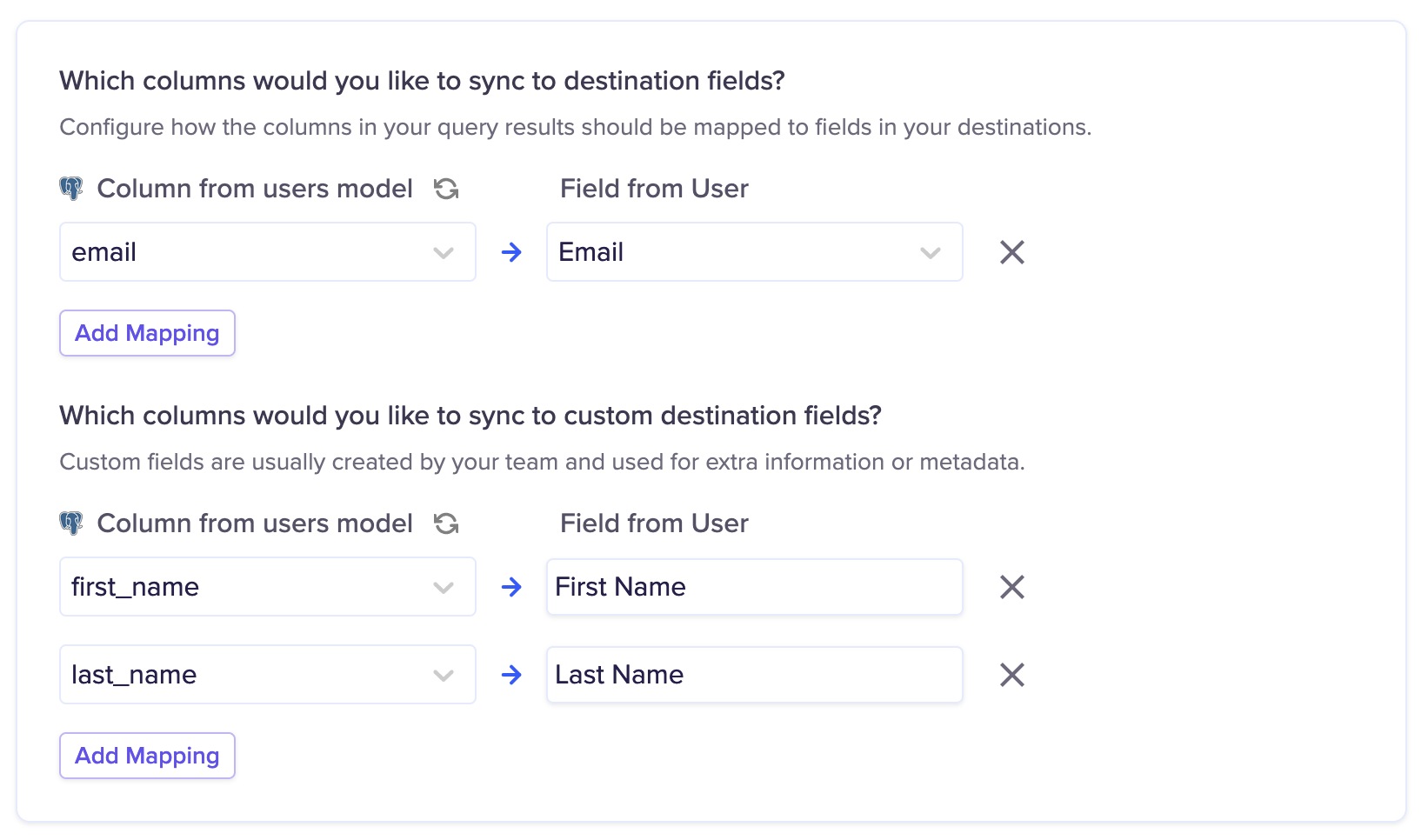
You may send any number of additional fields with the user.
Inserting events
it's required to send a User ID and email to Vero to identify the user for the event.
You must also configure an Event Name to be used for the Sync.
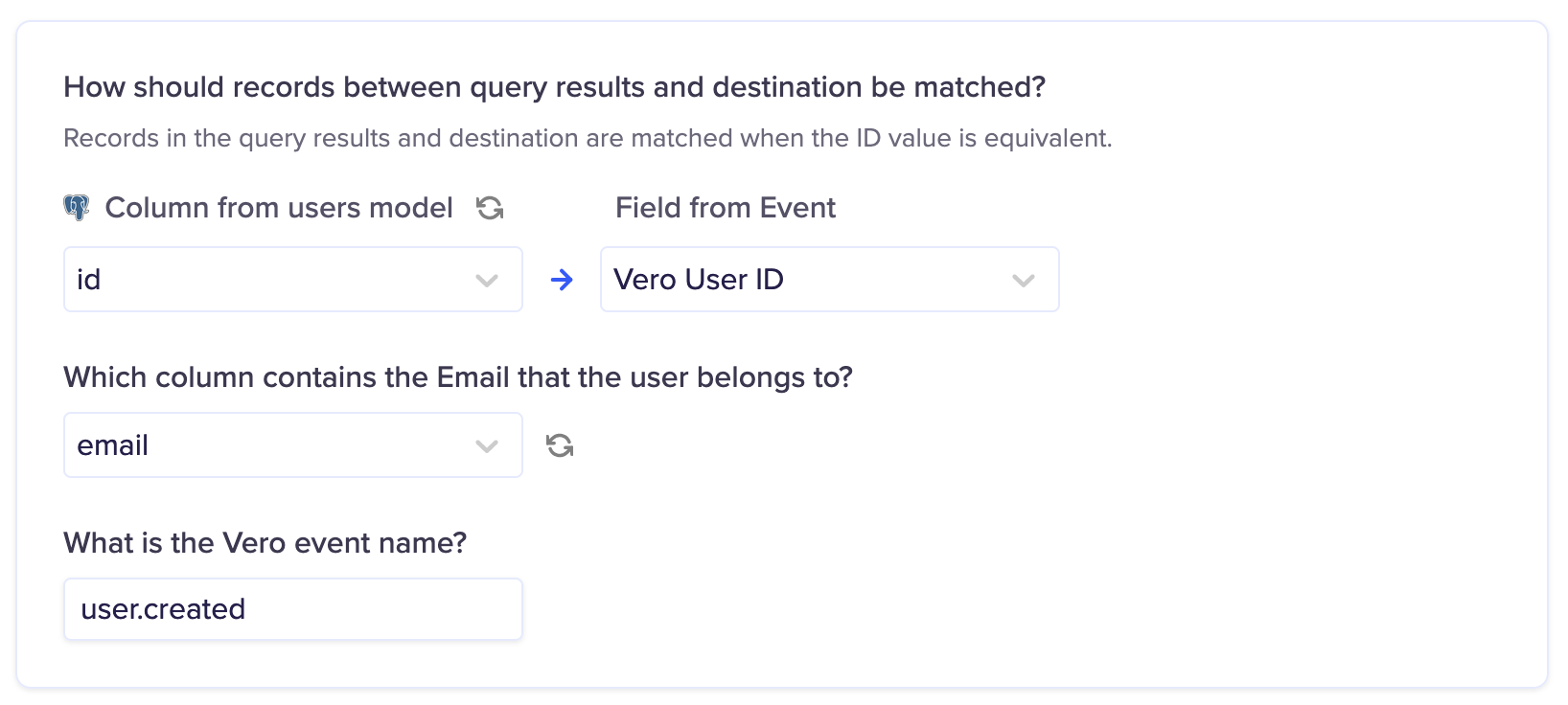
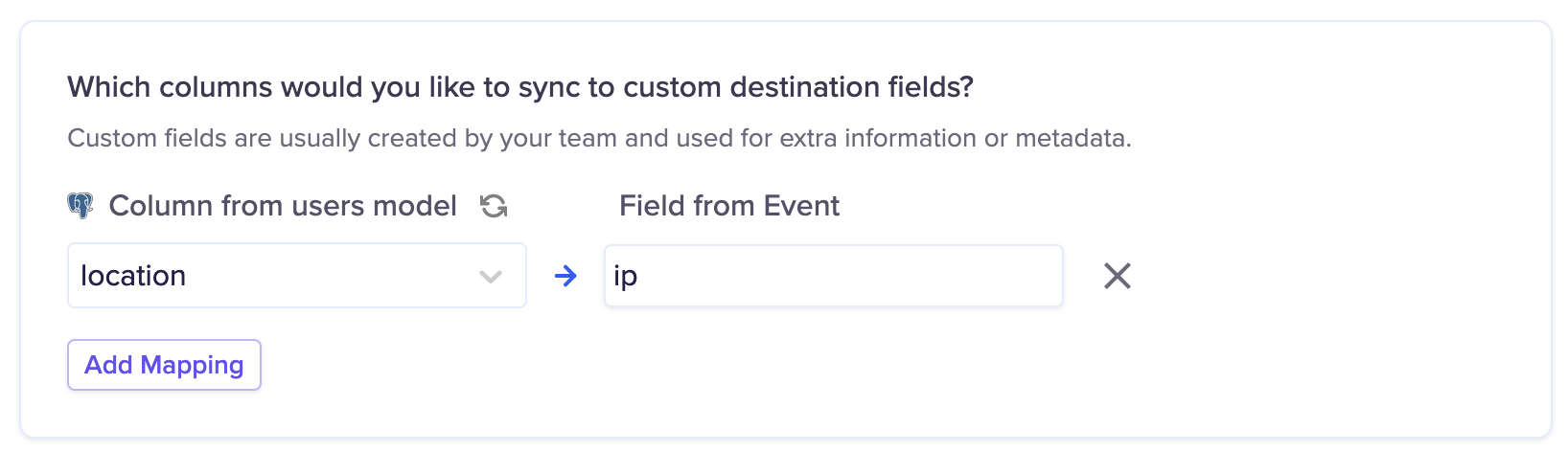
You may send any number of additional fields with the event.
Tips and troubleshooting
Common errors
To date, our customers haven't experienced any errors while using this destination. If you run into any issues, please don't hesitate to . We're here to help.
Live debugger
Hightouch provides complete visibility into the API calls made during each of your sync runs. We recommend reading our article on debugging tips and tricks to learn more.
Sync alerts
Hightouch can alert you of sync issues via Slack, PagerDuty, SMS, or email. For details, please visit our article on alerting.