Push enriched data from your warehouse into Zoho CRM for your teams to act upon it
Supported syncing
| Sync type | Description | Supported sync modes |
|---|---|---|
| Modules | Sync records to standard or custom modules in Zoho CRM, such as Leads, Contacts, or Deals. | Upsert |
For more information about sync modes, refer to the sync modes docs.
Setup
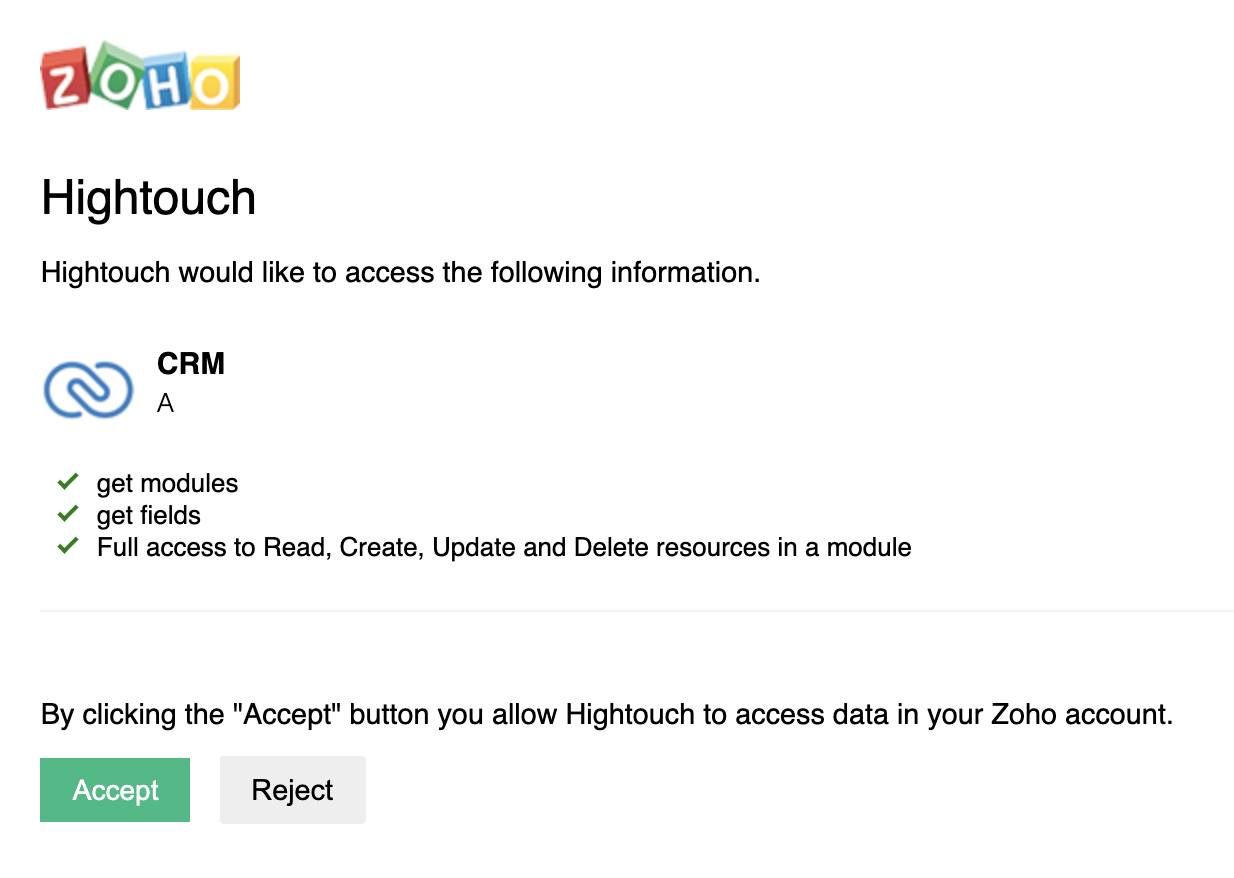
After selecting Zoho CRM from our Destinations catalog, you will be prompted to initiate an OAuth flow. Connect Zoho CRM via OAuth by granting permission to the Hightouch app.
Syncing
Select the Zoho CRM module you want to sync to. Hightouch lists modules that you can create records in, including custom modules. Activity modules, such as Tasks, Calls, and Events, aren't available.
Upsert creates new records in the module and keeps their fields up to date.
Record matching
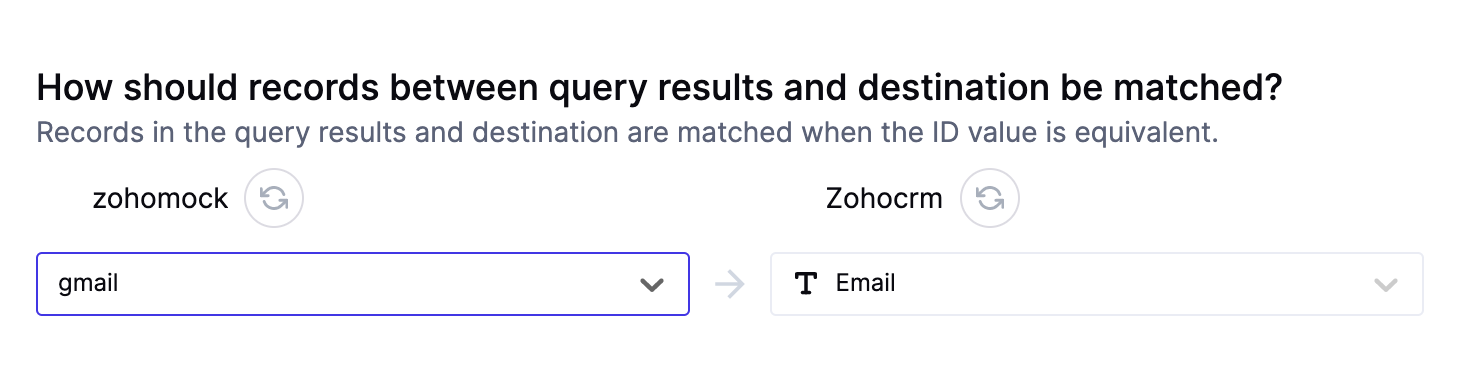
Records can be matched from your source to your Zoho CRM workspace by using Zoho's System-defined Duplicate Check Fields or an External ID you set for a module in your workspace settings.
To know more about each modules's Sytem-defined Duplicate Check Fields, refer to the Sytem-defined Duplicate Check Fields section in the Upsert Records API. Additionally, to learn about creating an External_ID, refer to this Zoho docs article.
Field mapping
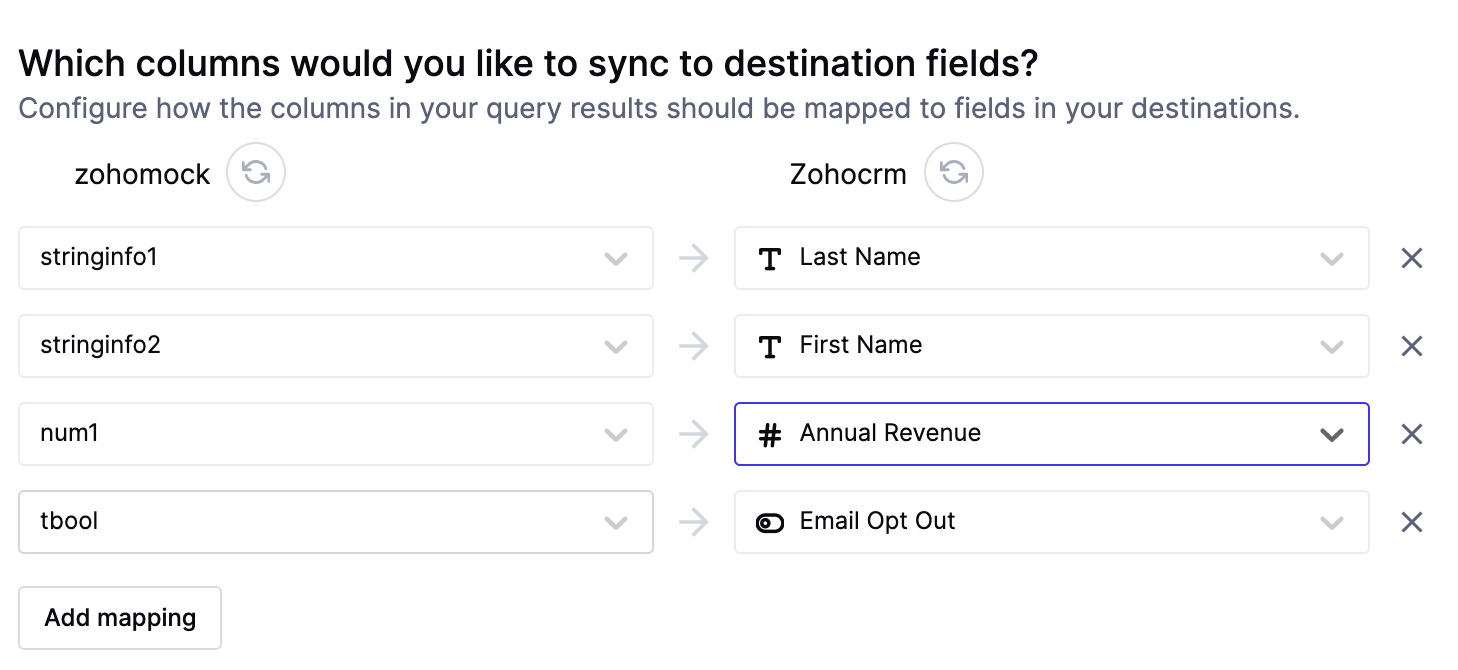
You can sync columns from your model to Zoho's modules. Ensure the module's mandatory field is included in the sync and the model columns representing the module fields are of the correct data type.
To know more about each module's mandatory fields, refer to the System-defined mandatory fields for each module section in this Zoho docs page. Additionally, to know more about module field types, refer to the Sample Attributes section.
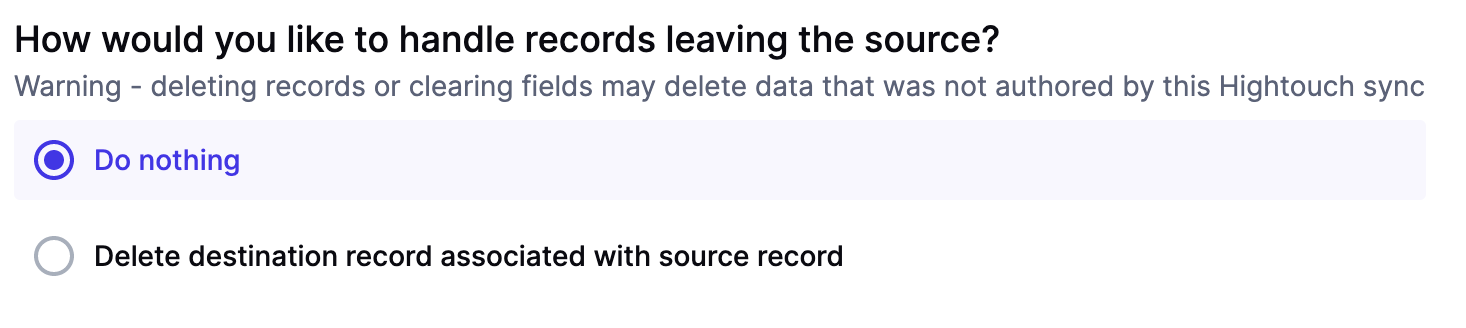
Delete mode
You can choose what Hightouch's behavior is when records leave the query result set. The default is doing nothing, but you can also set Hightouch to delete the Zoho CRM record.
Tips and troubleshooting
Common errors
To date, our customers haven't experienced any errors while using this destination. If you run into any issues, please don't hesitate to . We're here to help.
Live debugger
Hightouch provides complete visibility into the API calls made during each of your sync runs. We recommend reading our article on debugging tips and tricks to learn more.
Sync alerts
Hightouch can alert you of sync issues via Slack, PagerDuty, SMS, or email. For details, please visit our article on alerting.