Sync data from Lakebase to Sinch Campaigns
Connect your data from Lakebase to Sinch Campaigns with Hightouch. No APIs, no months-long implementations, and no CSV files. Just your data synced forever.






Activate your data in 3 easy steps
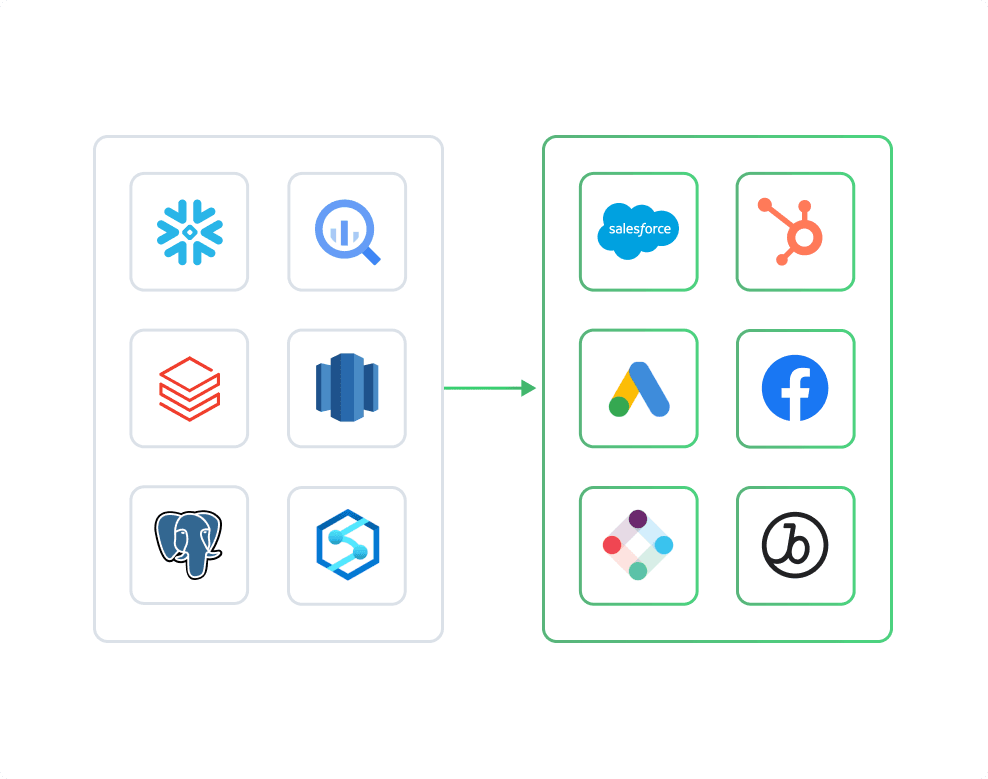


Name
Name
Total_orders
All_orders
Last_login
Last_login
Name
Name
Total_orders
All_orders
Last_login
Last_login
Sync data from Lakebase to Sinch Campaigns
- Sync an existing Sinch audience with contacts keyed by phone number (MSISDN in E.164 format) and keep extra contact attributes such as first name, plan tier, or signup date in sync with your data source.
- Trigger a published Sinch Campaign for any list of recipients from your data source, with positional template variables ([[A]], [[B]], and so on) filled per recipient.
- Tag every send in a campaign-trigger run with a Sinch shoot tag so the results group together under Sinch's Shoot Stats endpoint.
What methods can I use to model my Lakebase data?

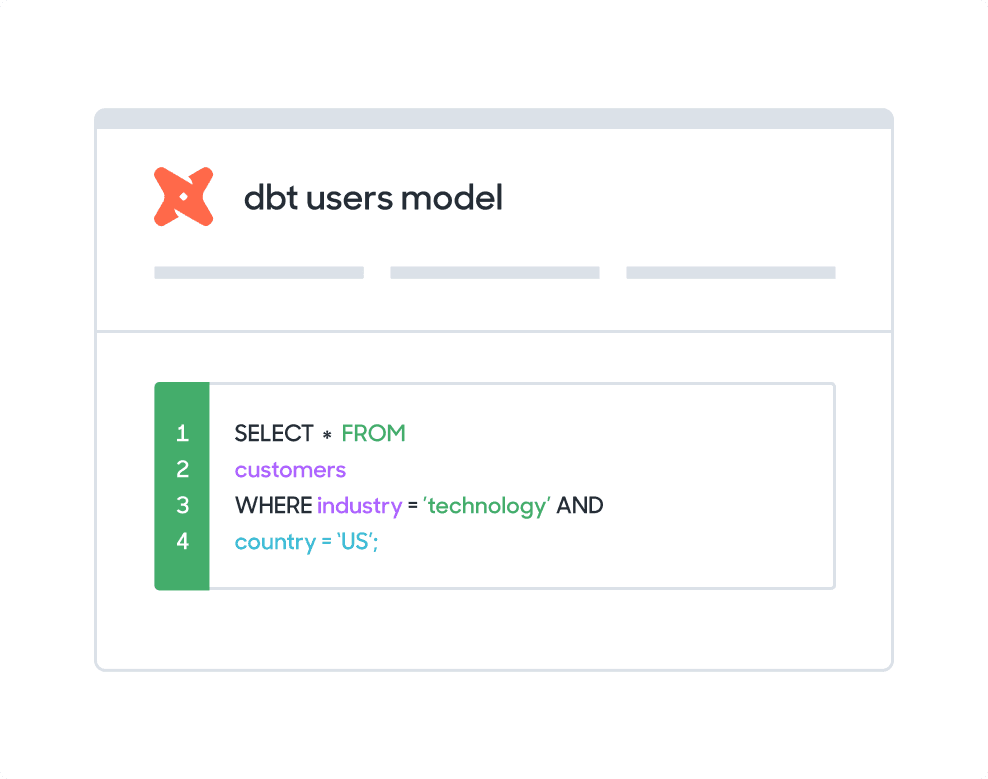
SQL editor
Create and Edit SQL from your browser. Hightouch supports SQL native to Lakebase.
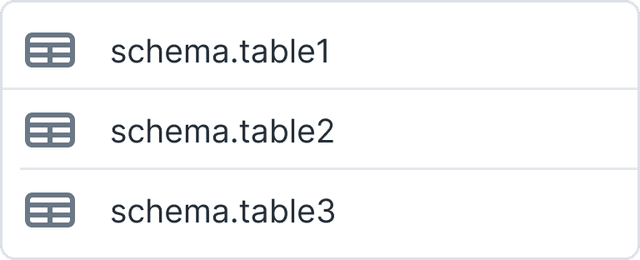
Table selector
Select available tables and sheets from Lakebase and sync using existing views without having to write SQL.
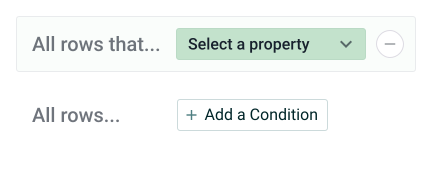
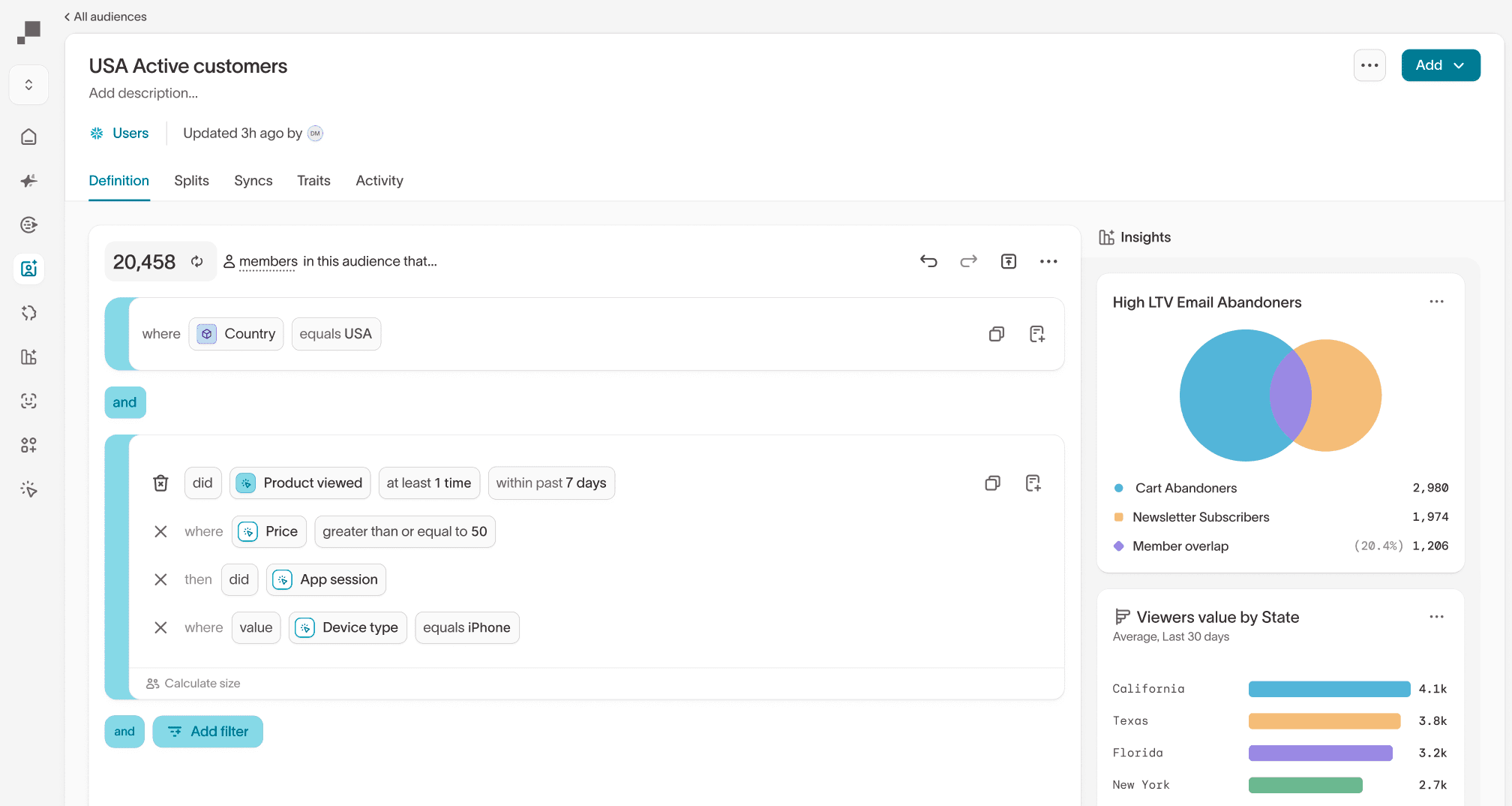
Customer Studio
For less technical users, pass traits and audiences from Lakebase using our visual segmentation builder.
FAQs
There are several options to sync data between sources. You can manually build and maintain a data pipeline, use a point-to-point solution such as Zapier, or you can manually upload CSVs.
With Hightouch, you get:
- Automation: You do not need to build and maintain custom data pipelines and you do not have to have your team do manual work
- Simplicity: You avoid a complex web of integrations caused by point-to-point solutions by syncing data from your source
- Speed: You can get set up in quickly - the average Hightouch customer starts syncing data in 23 minutes
- Control: companies of all sizes have access to enterprise-level controls including observability, dbt integrations, and version control
- Security: Hightouch never stores your data and is HIPAA, GDPR, CCPA, and SOC-2 compliant
90% of all Hightouch syncs complete in 30 seconds or less, and the platform enables non-technical users to self-serve.
With Hightouch, you can sync data as frequently as it changes within your Lakebase. You can trigger data syncs manually or schedule them to run at an interval or custom recurrence as often as once per minute.
Hightouch offers a basic mapper or advanced mapper that allows you to visually match columns from your Lakebase to fields in Sinch Campaigns.
Yes, if you integerate Lakebase and Sinch Campaigns using Hightouch, in-warehouse planning is supported.
Great, but what is in-warehouse planning?
Between every sync, Hightouch notices any and all changes in your data model. This allows you to only send updated results to your destination (in this case Sinch Campaigns). With the baseline setup, Hightouch picks out only the rows that need to be synced by querying every row in your data model before diffing using Hightouch’s infrastructure.
The issue here is this can be slow for large models.
Warehouse Planning allows Hightouch to do this diff directly in your warehouse. Read more on how this works here.