Sync data from Google Sheets to Sinch MessageMedia
Connect your data from Google Sheets to Sinch MessageMedia with Hightouch. No APIs, no months-long implementations, and no CSV files. Just your data synced forever.






Activate your data in 3 easy steps


Name
Name
Total_orders
All_orders
Last_login
Last_login
Name
Name
Total_orders
All_orders
Last_login
Last_login
Sync data from Google Sheets to Sinch MessageMedia
- Sync contacts to your Sinch MessageMedia directory upsert phone numbers, names, and custom fields on the Contacts API, preserving other channel types (SMS, WhatsApp) already on a contact.
- Add and remove audience members from existing Sinch contact lists, or auto-create a new list per Hightouch audience.
- Support both SMS and WhatsApp as the primary channel type, with configurable default subscription state per sync.
- Optional column-to-custom-field mappings let you push warehouse attributes (e.g., loyalty tier, segment) into Sinch's custom fields for use in campaign templating.
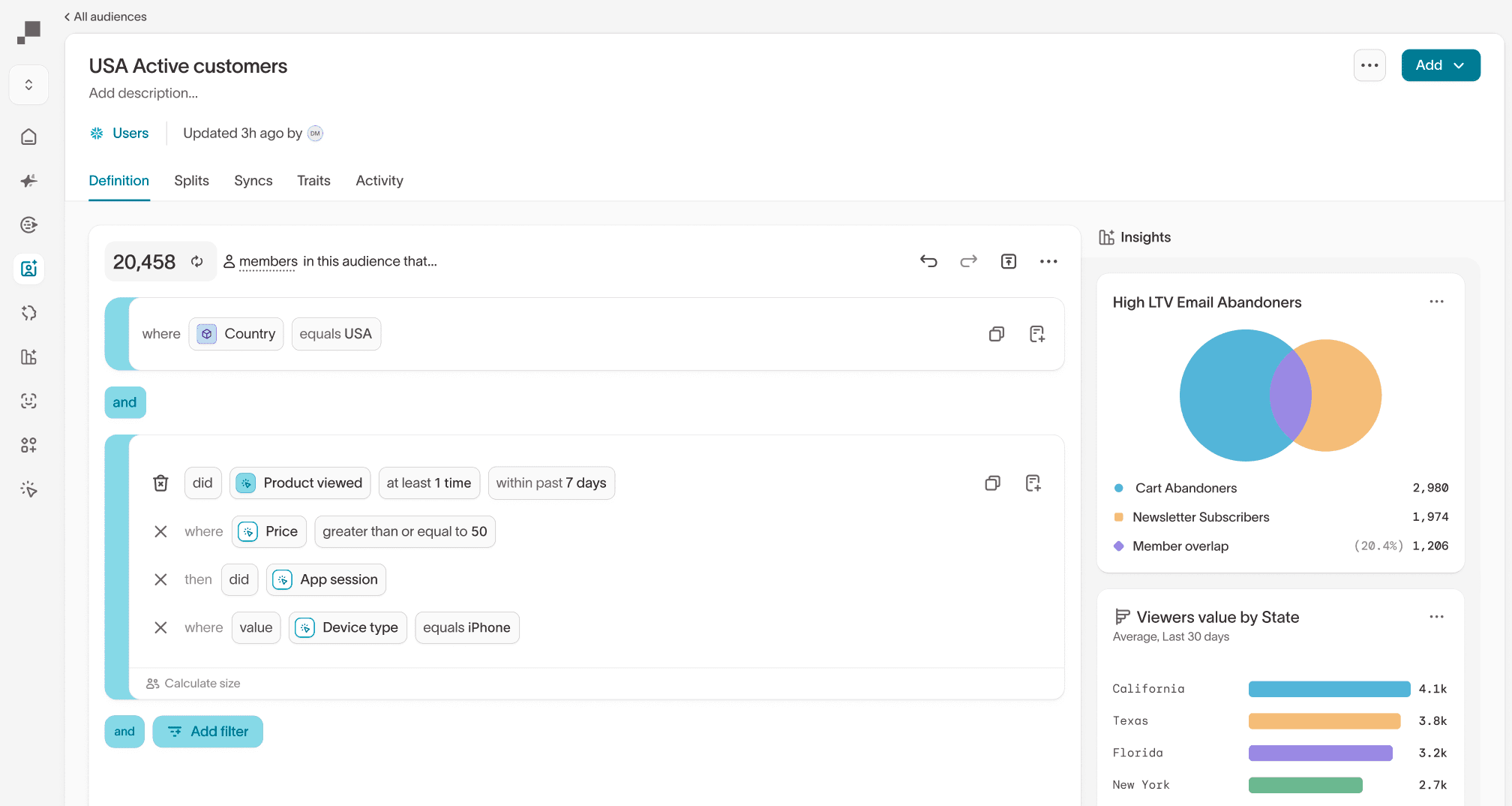
What methods can I use to model my Google Sheets data?

Custom
Browse available data and query using a file, spreadsheet, collection, or other dataset.

SQL editor
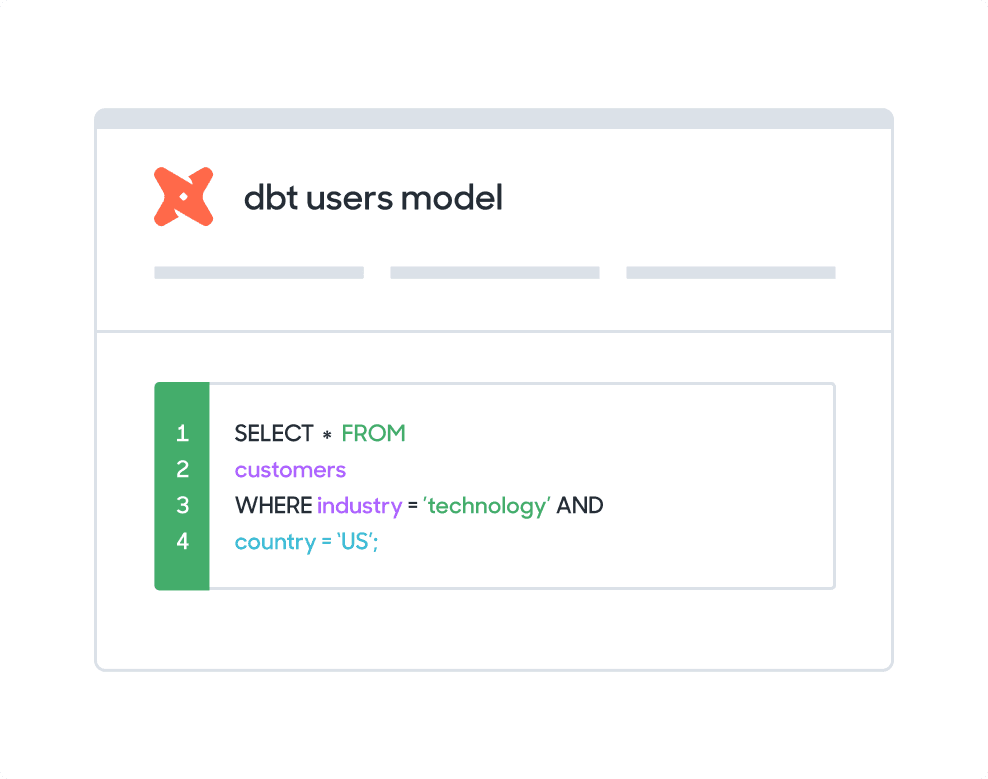
Create and Edit SQL from your browser. Hightouch supports SQL native to Google Sheets.
FAQs
There are several options to sync data between sources. You can manually build and maintain a data pipeline, use a point-to-point solution such as Zapier, or you can manually upload CSVs.
With Hightouch, you get:
- Automation: You do not need to build and maintain custom data pipelines and you do not have to have your team do manual work
- Simplicity: You avoid a complex web of integrations caused by point-to-point solutions by syncing data from your source
- Speed: You can get set up in quickly - the average Hightouch customer starts syncing data in 23 minutes
- Control: companies of all sizes have access to enterprise-level controls including observability, dbt integrations, and version control
- Security: Hightouch never stores your data and is HIPAA, GDPR, CCPA, and SOC-2 compliant
90% of all Hightouch syncs complete in 30 seconds or less, and the platform enables non-technical users to self-serve.
With Hightouch, you can sync data as frequently as it changes within your Google Sheets. You can trigger data syncs manually or schedule them to run at an interval or custom recurrence as often as once per minute.
Hightouch offers a basic mapper or advanced mapper that allows you to visually match columns from your Google Sheets to fields in Sinch MessageMedia.